
Self Portrait Magazine Cover
Self-Portrait Magazine Cover: First Draft
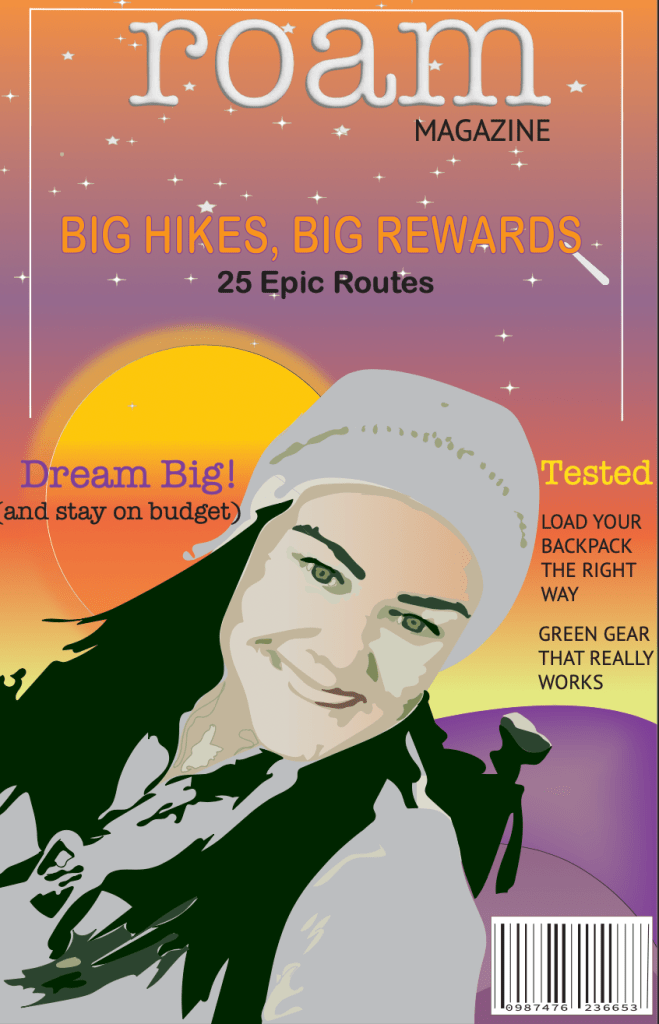
In this assignment, you will create an initial self-portrait magazine cover using Adobe Illustrator for your last project of the course. Being that this is the last project, you are to include many aspects of Illustrator that have been used in previous projects.
Process
Begin by brainstorming what sort of magazine would want to put an image of you on its cover. It can be a real magazine or one that you have come up with, but find something that fulfills one of your interests. Consider what your interests are such as sports, cooking, fitness, music, design, or gardening—you might be surprised to learn about all of the magazines out there that serve very specific interests! Research some magazine covers and what is included on the cover, including text and imagery. Instead of a photograph, you will Illustrate yourself on the cover (using the skills you learned in this unit and throughout the course) with some sort of appropriate background based on your interests.
You are to research your topic and find information that can be communicated visually. Consider the typographical choices and color schemes of your topic. All work must be original and created by yourself. No preexisting symbols, clip art, etc. are allowed to be used.
Project Requirements
The self-portrait magazine cover must have the following:
- Name of magazine must be on your cover
- Illustration must be in 11×17 inch format (portrait style only)
- Minimum of five active and organized layers
- Minimum of three tools and/or techniques that you have learned throughout the course
- Must use the gradient mesh tool
- Must use a minimum of three effects on three different areas (all three effects can be the same)
Public Service Announcement Poster
Public Service Announcement Poster
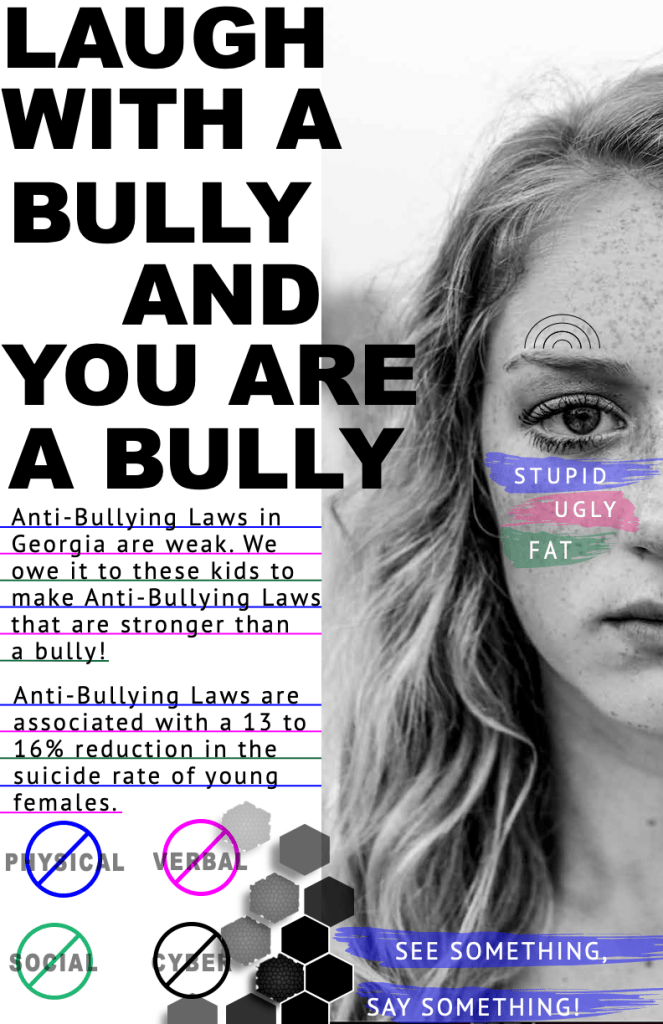
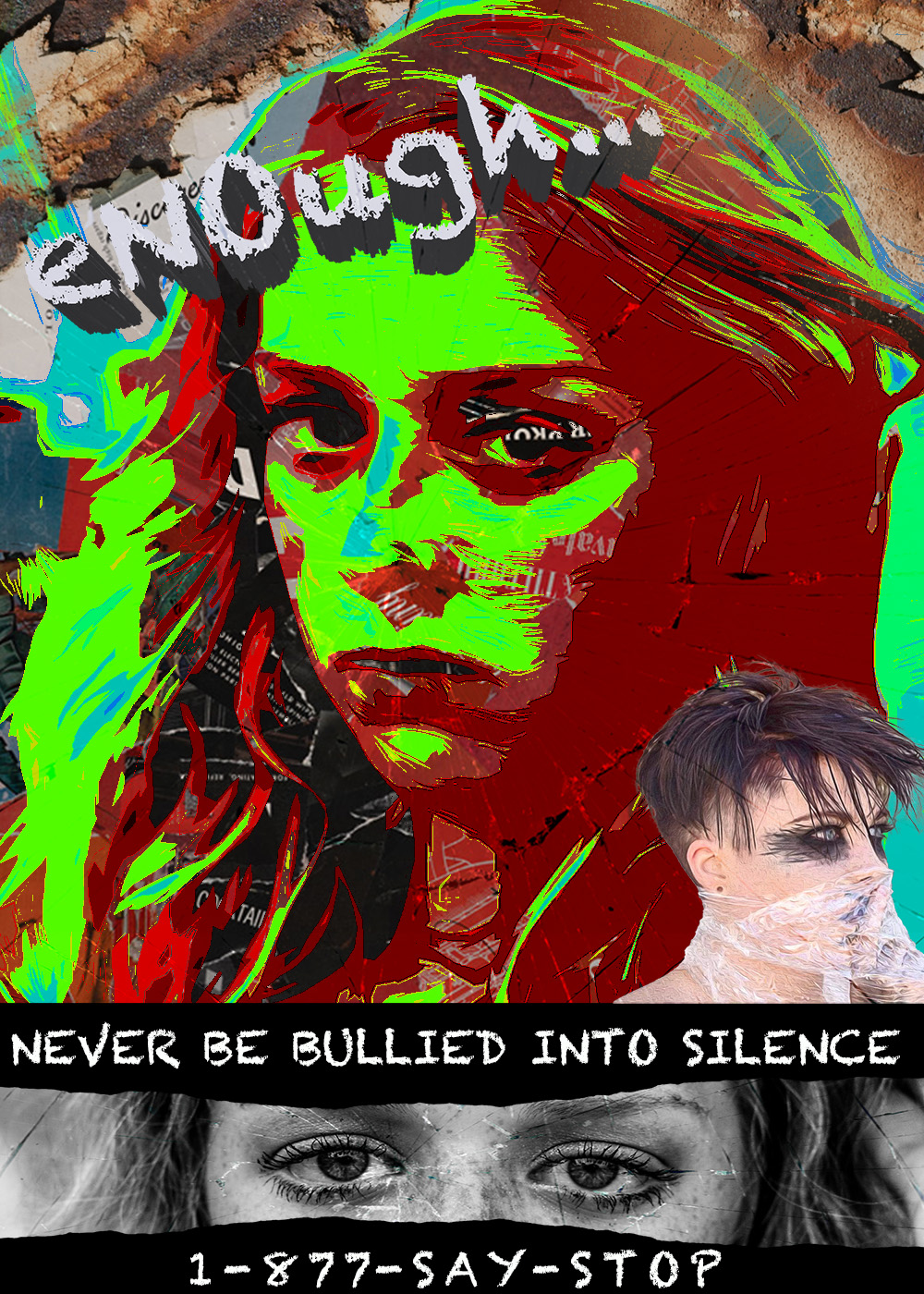
In this assignment, you will create a public service announcement poster using Adobe Illustrator. You will create a poster raising awareness (not mockery) for any one of the following topics.
- anti-bullying
- texting and driving
- drunk driving
- mental health
- environmental issues
- domestic violence
- anti-smoking
- animal issues
- safe driving
- gender equality
- discriminatory issues
If there is a topic you are passionate about that you wish to do that is not on this list, please reach out to your instructor for approval. This is a project in which less can be more as long as it has a strong impact.
Process
Begin by brainstorming the topic you wish to create a public service announcement poster for. Your graphic must accurately convey truthful information in an entertaining, eye-catching, and/or engaging way. You are to research your topic using the Waldorf Online Library and find information that can be communicated visually. You will then find a photo to incorporate into your graphic. Consider the typographical choices and color schemes of your topic. All illustration work must be original and created by yourself (this does not include the photograph you choose). No pre-existing symbols or clip art is allowed to be used.
Project Requirements
The public service announcement poster project must have the following items:
- One photograph must be incorporated into your graphic.
- Factual information must be presented.
- Text must be used.
- You must use at least three tools and/or techniques from this week’s video lessons in the creation of your graphic.
- Your graphic must be in an 11×17 inch format (portrait or landscape style is accepted).
Infographic
Information Graphic Illustration: First Draft
Concept
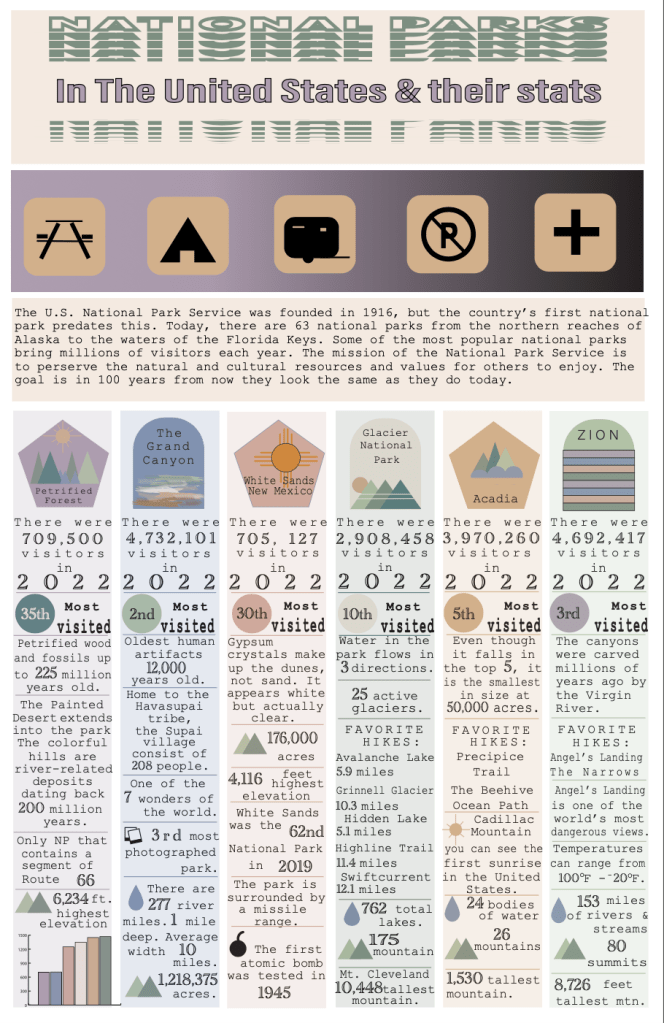
The goal of this assignment is to practice your Illustration skills using Adobe Illustrator while also telling a complex story through an informational graphic based on factual information.
Process
Begin by brainstorming a topic that you wish to create an informational graphic about. The Illustration must accurately convey truthful and entertaining information. You are to research your topic using the Waldorf Online Library and find information that can be communicated visually. Consider the typographical choices and color schemes of your topic. Make this fun and visually appealing and not just filled with bar graphics, line charts, etc. Be creative! All work must be original and created by yourself. No preexisting symbols or clip art is allowed to be used.
Project Requirements
The Informational graphic project must have the following items:
- Must have a minimum of 10 active and organized layers
- Must create and utilize two custom brushes relevant to the Illustration
- Must use the Blend tool functionality in some way relevant to the Illustration
- Must present factual information
- Must use text and symbolism
- Illustration must be in an 11×17-inch format (Portrait or Landscape style is accepted)
 I Due North